

Personal AI Assistant: The 2026 Guide to the Best Options
A practical 2026 guide to the best personal AI assistant options - what each one actually does, who it fits, and how they compare on scope, proactivity, voice, and price.
On this page
- What is a personal AI assistant?
- What to look for in a personal AI assistant
- The best personal AI assistant options in 2026, at a glance
- 1. Catch
- 2. Lindy
- 3. ChatGPT
- 4. Claude
- 5. Motion
- 6. Fyxer AI
- 7. Reclaim
- 8. Howie
- 9. Poke
- How to choose the right personal AI assistant for you
- Getting started with a personal AI assistant
- Frequently asked questions
Try adding up the hours you lose in a normal week to stuff that has nothing to do with why you got hired. Booking meetings. Chasing replies that never came. Untangling a calendar you somehow double-booked. Calling a restaurant to push a reservation. None of it is the actual job, yet all of it eats the day. A good personal AI assistant is supposed to quietly soak up that load so you can get back to the work only you can do.
I’m Nir, co-founder of Catch, so let me say up front that we make one of the tools you’ll see below. This isn’t a long advertisement, though. The term “personal AI assistant” now covers everything from a phone you talk to, to a chatbot, to software that genuinely runs your admin from one end to the other. Those are very different products, and lumping them together is how people end up disappointed. So I’ll walk through what the category actually includes, the questions worth asking before you commit, and the best personal AI assistant options in 2026 with an honest read on who each one suits.
One thing worth holding onto throughout: a personal AI assistant is software, not a person. The trustworthy ones never pretend otherwise. Catch, for example, always identifies itself as an AI agent when it emails or calls someone for you.
What is a personal AI assistant?
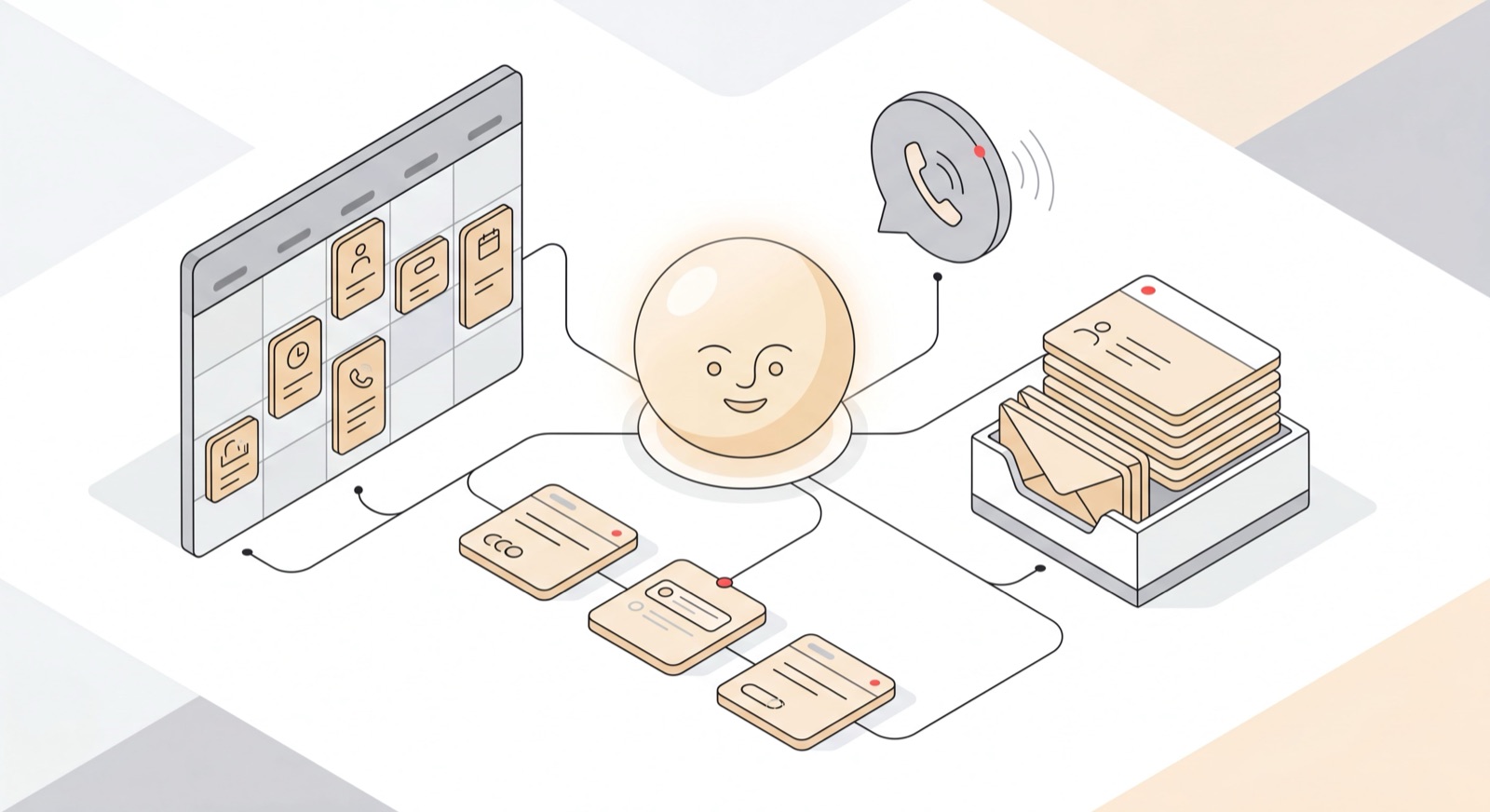
A personal AI assistant is software that handles tasks for you the way a human assistant would - managing your calendar, triaging your inbox, scheduling meetings, setting reminders, and in the more capable cases, doing real-world things like placing phone calls and making bookings. The gap between the weakest and strongest tools here is huge.
At the simple end, a personal AI assistant answers questions and drafts text when you ask. You prompt, it responds, and the mental load stays parked with you. At the capable end, it plugs into your calendar and email, learns how you work, and acts on what it finds without being walked through every step. That second kind is closer to what most executives are really after: an AI executive assistant that delivers actual delegation, not another app to operate.
The distinction worth keeping in mind is between a tool that assists and one that takes things off your plate. Drafting an email on request is assistance. Watching your inbox, spotting the thread that’s gone quiet, and nudging it for you is delegation. Most products marketed as personal AI assistants sit squarely in the first camp. A few have made it into the second.
What to look for in a personal AI assistant
Before the list, here’s the checklist I’d run any tool through. The category is crowded and the labels are slippery, so these are the things that actually tell a full assistant apart from a one-trick app.
- Scope. Does it carry the whole admin load - calendar, email, briefings, scheduling, bookings - or just one slice like time-blocking?
- Proactivity. Does it act on what it sees, or sit there waiting for you to prompt it through every step? A personal AI assistant that only responds is really just a faster search box.
- Channels. Can you reach it where you already work - Slack, email, text message, iMessage, phone - or only inside one app you have to remember to open?
- Voice. Can it actually place phone calls on your behalf, or is “voice” just a feature name on the pricing page?
- Pricing. Flat and predictable, or a credit system that quietly costs more the harder you lean on it?
- Trust and security. Anything touching your inbox and calendar needs real guardrails and a clear data policy. For professional use, that’s not optional.
- Fits your stack. Does it work alongside your CRM and project tools, or expect you to rip them out and start fresh?
The best personal AI assistant options in 2026, at a glance
Catch is listed first because it’s built for the full assistant role across every channel, voice included. The rest are real products that are good at what they do, and several may be the right pick depending on what you’re after.
| # | Tool | Best for | Pricing model |
|---|---|---|---|
| 1 | Catch | Full-scope, proactive admin across every channel, voice included | Flat $99/mo, 7-day free trial |
| 2 | Lindy | Building your own AI assistant workflows | Credit-based; paid plans $49.99-$199.99/mo, 7-day trial |
| 3 | ChatGPT | General-purpose questions and drafting | Free tier + paid plans |
| 4 | Claude | Deep general work - analysis, writing, code | Free tier + paid plans |
| 5 | Motion | AI task and project planning | Paid subscription |
| 6 | Fyxer AI | Email drafting and inbox labeling | Paid subscription |
| 7 | Reclaim | Calendar time-blocking and focus protection | Free tier + paid plans |
| 8 | Howie | Scheduling meetings over email | Paid subscription |
| 9 | Poke | Casual, text-based personal help | Paid subscription |
1. Catch
Catch is a personal AI assistant built to take on the whole traditional assistant role, not just a corner of it. It runs your calendar, triages and drafts your email, preps you for meetings, places outbound phone calls, and books restaurants and hotels. You reach it through Slack, email, text message, iMessage, or phone, and it’s proactive by design - it keeps an eye on your calendar and inbox and acts on what it finds rather than waiting to be told. When a conflict crops up, it doesn’t just flag it and leave you to untangle it. It reaches out to the other party and gets the meeting moved.
Pricing is a flat $99 a month, voice included, no credits, no per-call fees. Setup is self-serve and takes under three minutes: sign up, connect Gmail or Outlook, start messaging. On the security side, Catch is SOC 2 Type II compliant, CASA Tier 2 verified, hosts data in the US, and never uses customer data to train outside models.
Worth being straight about what it isn’t. Catch is not a project-management tool - it integrates with Asana and Notion rather than replacing them, so it works inside whatever your team already runs on. Best for executives, founders, and senior operators who want to genuinely hand off admin, not babysit one more app.
2. Lindy
Lindy markets itself as an AI assistant and is one of the closer products to Catch in ambition. Underneath, though, it’s really a workflow-automation engine: you define the automations, it runs them. That hands power users a lot of flexibility, at the cost of more upfront setup and ongoing tinkering. Pricing is credit-based, with paid plans from $49.99 to $199.99 a month and a 7-day free trial (no free tier), and voice is a separate paid add-on. Best for people who like building and maintaining their own assistant workflows rather than handing the whole job over out of the box.
3. ChatGPT
ChatGPT is the personal AI assistant most people have actually touched, and it’s excellent at the things it’s built for - answering questions, drafting and rewriting text, brainstorming, summarizing. Where it stops is action. It’ll happily agree to “remind me every morning about my cold-call block,” then never go and do it. There’s no native presence on your text messages, iMessage, or phone, and it waits for you to prompt each step. Best for general-purpose questions and quick drafting, not running your admin.
4. Claude
Claude is a generalist AI that’s especially strong on deeper work - analysis, long-form writing, research, code. Plenty of executives keep it open next to a dedicated assistant, and more than half of Catch’s own users run both. The two do different jobs. Claude is built for thinking and producing; it isn’t meant to live in your calendar and inbox, act on its own, or pick up the phone for you. Best for heavy general-purpose work where you want a capable thinking partner.
5. Motion
Motion is AI-powered task and project management. It drops your to-dos onto your calendar automatically, reshuffles the day when something slips, and pitches itself as an alternative to tools like Asana and Monday.com. It’s genuinely good at planning. That’s a different job from personal admin, though - email triage, phone calls, and bookings aren’t what it was built for. Best for people who want AI to plan and rearrange their project work.
6. Fyxer AI
Fyxer lives in your inbox. It drafts replies, sorts and labels email, and takes meeting notes. If email volume is your single biggest headache, it’ll take the edge off. The scope is narrower than a full personal AI assistant, though, built around the inbox rather than the wider job of running your calendar, making calls, and dealing with the outside world. Best for people who mainly want help keeping email under control.
7. Reclaim
Reclaim, now part of Dropbox, is a calendar tool that blocks and defends your focus time, protects recurring habits, and slots your 1:1s in smartly around the rest of the week. It’s a well-built way to keep your own calendar honest. Its lane is calendar management, full stop - it won’t touch email, coordinate with outside parties, or make calls. Best for individuals who want smarter time-blocking and a bit of focus protection.
8. Howie
Howie calls itself an AI scheduling assistant. You CC it on an email thread and it works the back-and-forth to land a meeting on everyone’s calendar. It does that one job cleanly. What it doesn’t do is the broader admin role, voice, or any messaging presence - it’s scheduling over email, and that’s the whole pitch. Best for people whose main bottleneck is the email tag of booking meetings.
9. Poke
Poke is a text-message-based AI assistant that’s caught on with a more consumer crowd, students included. It’s friendly and fast over text. It’s built for casual personal use rather than professional workloads, though, so it doesn’t ship with the organizational integrations or the security posture you’d want anywhere near sensitive work. Best for lightweight personal help over text.
How to choose the right personal AI assistant for you
Start with the honest version of your problem. If your week is genuinely buried in admin - scheduling, inbox, bookings, the lot - you want a full-scope assistant that acts on its own, and a narrow scheduling app will only chip away at a sliver of it. If your one pain is email, a focused inbox tool may be all you need. And if you mostly want a thinking partner for analysis and writing, a generalist like ChatGPT or Claude is the right call.
Then weigh proactivity honestly. There’s a real gap between a tool that answers when prompted and one that spots a conflict and resolves it before you’ve even seen it. For busy executives, that gap is the whole point of delegating in the first place.
Finally, look hard at pricing and security together. Credit systems can look cheap until you actually start relying on them, at which point the cost climbs with usage. And anything connecting to your calendar and inbox should carry credentials you can verify - certifications, a clear data policy, and a stated stance on whether your data trains third-party models. For Catch, that means SOC 2 Type II, CASA Tier 2 verification, US data hosting, and no third-party model training. Whatever you choose, ask for the same.
Getting started with a personal AI assistant
The good news is that the better tools have made onboarding genuinely fast. With Catch, setup runs under three minutes and is fully self-serve: sign up, connect Gmail or Outlook, grant permissions, hook up any other apps you use, and start chatting by text message. There’s no workflow to build, no setup screens to wade through. A 7-day free trial means you can hand it a real week of admin and see whether it actually lightens the load before you commit. Most people start with scheduling and inbox, then add more - Asana, Notion, a notetaker - once they trust it.
Frequently asked questions
What is a personal AI assistant?
A personal AI assistant is software that handles tasks for you the way a human assistant would - managing your calendar, triaging email, scheduling meetings, setting reminders, and in the most capable cases, making phone calls and bookings. The range is wide, running from a chatbot that answers questions to a tool that handles your admin end to end.
What is the best personal AI assistant in 2026?
It depends on what you need. For full-scope, proactive admin across every channel with voice included, Catch is built for that role at a flat $99 a month. For general questions and drafting, ChatGPT or Claude lead. For email alone, Fyxer is focused, and for calendar time-blocking, Reclaim does it well.
How much does a personal AI assistant cost?
Pricing ranges from free tiers up to several hundred dollars a month, and the model matters as much as the number. Catch is a flat $99 a month with voice calls included and no per-call fees. Credit-based tools like Lindy can look cheaper at first, then cost more as your usage grows.
Can a personal AI assistant make phone calls?
Some can. Catch places real outbound calls on your behalf - booking a restaurant, arranging a late hotel checkout - always identifying itself as an AI agent. Most personal AI assistants don’t have genuine voice capability, and a few that list “voice” charge for it as a separate add-on.
Is a personal AI assistant safe to use with my email and calendar?
It can be, provided the tool has real guardrails. Look for recognized certifications, a clear data-handling policy, and a stated position on third-party model training. Catch is SOC 2 Type II compliant, CASA Tier 2 verified, hosts data in the US, and doesn’t use customer data to train outside models.
What’s the difference between a personal AI assistant and ChatGPT?
ChatGPT is a generalist that answers questions and drafts text when you prompt it - the mental load stays with you. A dedicated personal AI assistant like Catch connects to your calendar and email, acts on its own, and takes real actions like scheduling and calls without being walked through each step.
Can a personal AI assistant replace a human executive assistant?
For the traditional assistant role - calendar work, email triage, scheduling, briefings - a capable tool like Catch handles it fully, at $99 a month. Physical, on-the-ground tasks are something a person grows into, but the core admin job is fully covered.
Do I need technical skills to set up a personal AI assistant?
Not with the better tools. Catch is self-serve and takes under three minutes - sign up, connect Gmail or Outlook, start messaging. There are no workflows to build. Some tools, the workflow-engine ones especially, do ask you to configure automations yourself.
Can a personal AI assistant work across Slack, text, and iMessage?
A few can. Catch is reachable through Slack, email, text message, iMessage, and phone, so you can talk to it wherever you already work. Many assistants live inside a single app or only answer over email, which means remembering to go to them.
Does a personal AI assistant replace my project management tools?
The good ones don’t try to. Catch integrates with Asana and Notion rather than replacing them, so it works inside the stack your team already uses. If you specifically want AI to run project management, that’s a different category - tools like Motion are built for it.
Picking a personal AI assistant really comes down to one question: do you want something that answers when asked, or something that takes the admin off your plate entirely? If it’s the second, that’s exactly what Catch is built to do.
Keep reading
Related posts
Top AI Assistants for 2026: 12 Tools Tested and Ranked
We tested and ranked the top AI assistants for 2026 — 12 tools for executives compared on admin scope, proactivity, voice, channels, and price.
Best AI Assistants of 2026: The Definitive Ranking
A definitive ranking of the best AI assistants of 2026, sorted by what each one actually does well — from taking admin off your plate to writing, research, and calendar work.
Best AI Virtual Assistant in 2026: 8 Tools Ranked
The best AI virtual assistant tools in 2026, ranked and reviewed. Compare what each one actually does on scope, proactivity, channels, voice, and price.