

Integrations
In the tools you
already work in.
How Catch connects to your calendar, inbox, and messaging — Google, Outlook, WhatsApp, iMessage, and the phone — so admin gets handled right where your day already happens.

Google Calendar AI: How Catch Runs Your Calendar Without You Touching It
How Catch works as a Google Calendar AI assistant — running your calendar hands-off by booking meetings, resolving conflicts, and making real calls, all for one flat price.

iMessage AI Assistant: Run Your Admin From iMessage With Catch
Run your entire admin workload from the blue bubbles you already use. Catch is an AI assistant for iMessage that schedules, triages email, and books on your behalf.

Outlook AI Plugin: How Catch Adds an AI Executive Assistant to Outlook
Looking for an Outlook AI plugin? Catch adds an AI Executive Assistant on top of your Outlook inbox and calendar — triaging email, scheduling, and making real calls for a flat price.
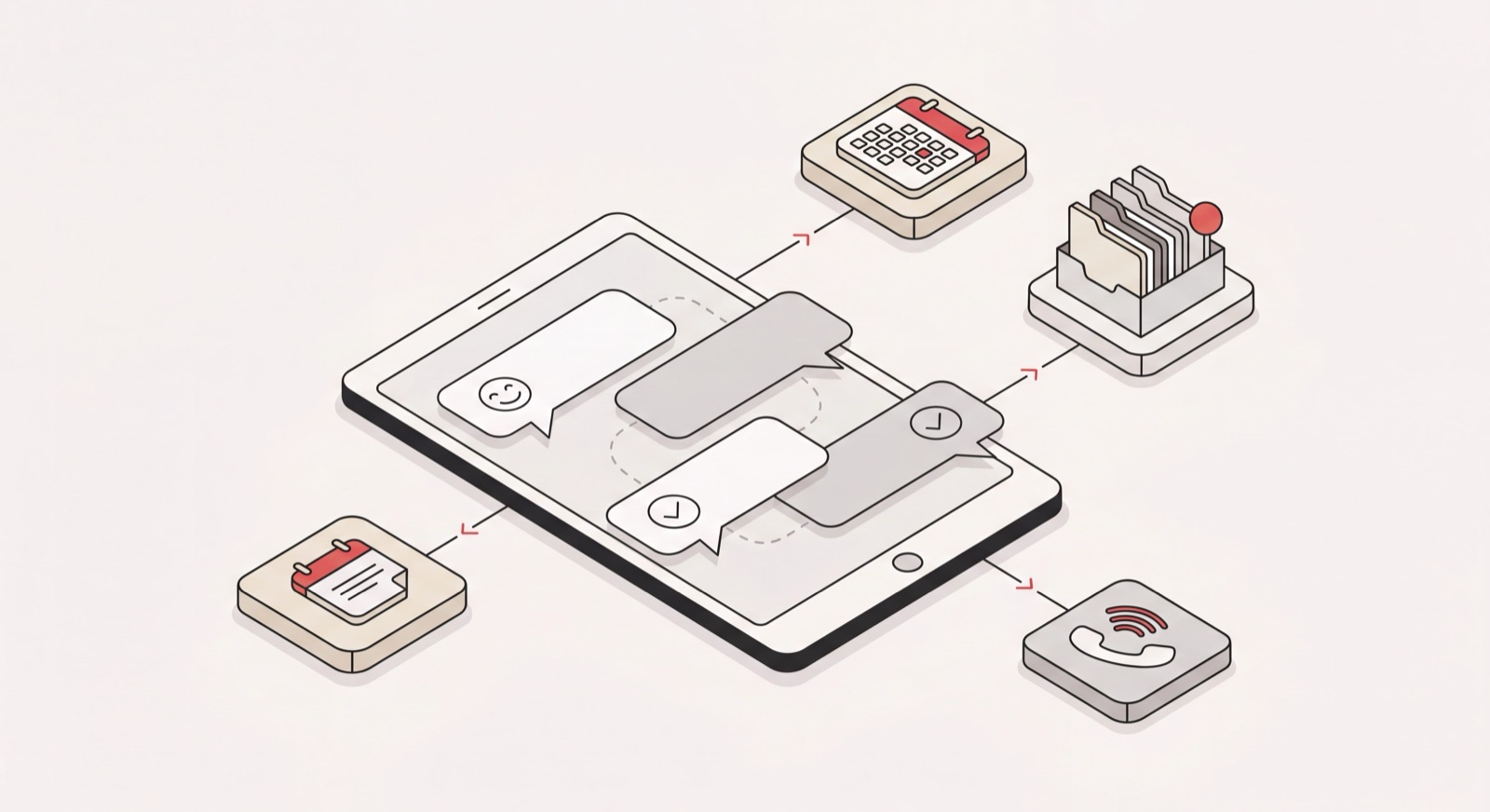
WhatsApp AI Assistant: How Catch Runs Your Calendar and Inbox From WhatsApp
How Catch works as a WhatsApp AI assistant — running your calendar and inbox from a WhatsApp chat, through WhatsApp Business with its own dedicated number and zero access to your personal account.

Catch for Outlook: The AI Assistant That Runs Your Outlook Inbox and Calendar
How Catch works as an Outlook AI assistant — running your Outlook inbox and calendar, scheduling meetings, and making real calls, all for one flat price.
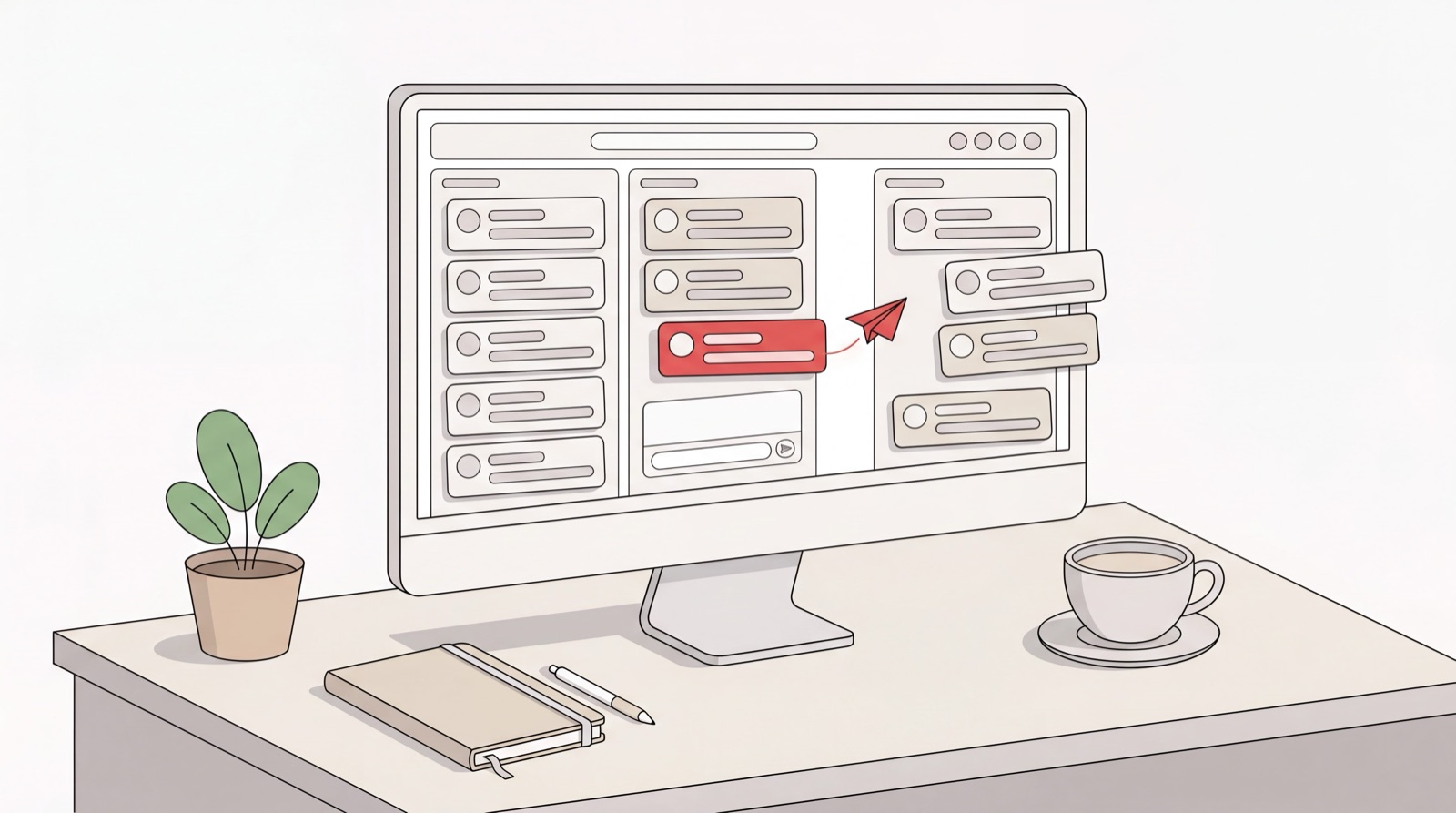
AI Email Assistant for Outlook: Drafting, Triage, and Sending With Catch
How Catch works as an AI for Outlook email — drafting, triaging, and sending on threads inside your Outlook inbox, for one flat monthly price.

AI Phone Assistant: Real Outbound Calls With Catch
How Catch works as an AI phone assistant — making real outbound calls on your behalf and running your daily call sync, with voice included in one flat price.