

Board Meeting Agenda Template: Free Format Boards Actually Use in 2026
A free board meeting agenda template boards actually use in 2026 — the format, what to include, how to timebox it, and examples for startups, nonprofits, and mid-market boards.
On this page
- The free board meeting agenda template
- What to include in a board meeting agenda
- Call to order and quorum
- Consent agenda
- CEO and officer updates
- Financial review
- Strategic discussion
- Key decisions and votes
- Risks, compliance, and executive session
- The 60/40 rule: spend more time looking forward
- How to write a board meeting agenda that works
- Board meeting agenda examples by organization type
- Startup board meeting agenda
- Nonprofit board meeting agenda
- Mid-market company board meeting agenda
- Where board meetings actually break down: the admin around the agenda
- Frequently Asked Questions
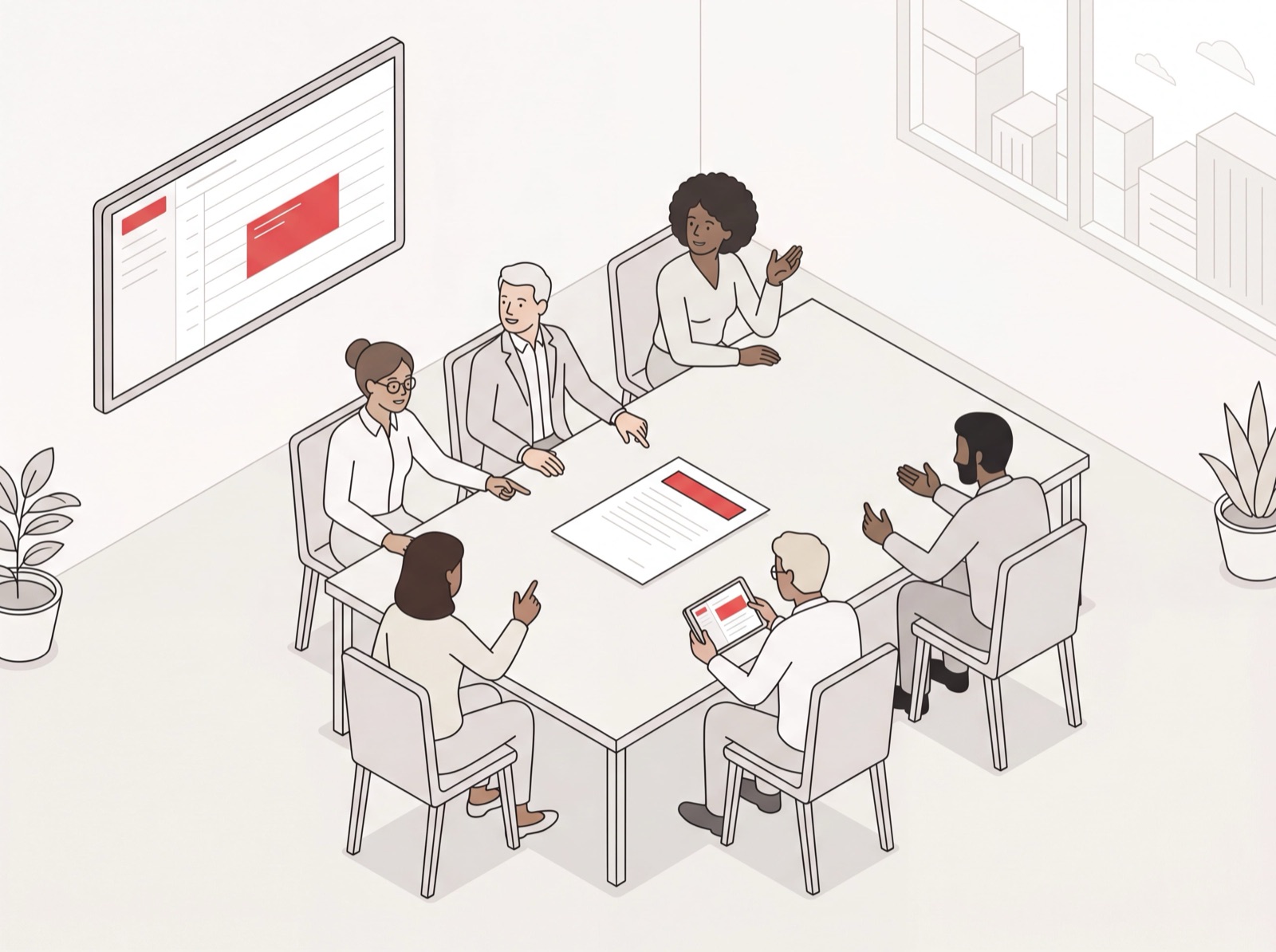
A board meeting lives or dies on its agenda. Get it right and ninety minutes feel sharp. Get it wrong and you watch three smart, expensive people relitigate last quarter’s numbers while the strategy conversation that actually matters gets crammed into the final five minutes. This post does two things. It hands you a free board meeting agenda template you can copy and use this week, and it walks through the format boards actually use in 2026. Not the bloated, ceremonial version. The lean one.
I’m Nir, co-founder of Catch. We build an AI assistant that takes the admin work off executives’ plates, and if you’ve ever run a board, you already know the agenda is the easy part. The hard part is everything around it. Locking a time across five impossible calendars. Getting the deck out five days early. Reminding the CFO to send numbers. Chasing the minutes afterward. I’ll cover the template first, then get into where all that coordination quietly eats your week, and how to claw it back.
The free board meeting agenda template
Here’s a clean, copy-paste board meeting agenda template built for a standard 90-minute quarterly meeting. Tweak the timeboxes to fit your board, but keep the shape. It front-loads the routine and protects the strategy.
[Company Name] - Board Meeting Date · Time · Location / video link
- Call to order & quorum (2 min) - Chair
- Consent agenda (3 min) - Chair
- Approval of prior meeting minutes
- Routine committee reports
- Standard, non-controversial approvals
- CEO update (10 min) - CEO
- Financial review (10 min) - CFO
- Strategic discussion (30 min) - topic owner
- Key decisions & votes (15 min) - Chair
- Risks & compliance (10 min) - designated lead
- Executive session (8 min) - directors only
- Action items & adjournment (2 min) - Chair
That’s the whole thing on one page. Notice how little time the backward-looking items get. The consent agenda, the CEO update, and the financials together eat up 25 minutes. The forward-looking blocks, meaning strategy, decisions, and risk, take the rest. That ratio is the whole point, and it’s the part most agendas get exactly backward.
What to include in a board meeting agenda
A strong board meeting agenda has the same core building blocks whether you’re a Series A startup or a 40-year-old nonprofit. Here’s what each section is actually for.
Call to order and quorum
The Chair opens the meeting, confirms enough directors are present to vote, and notes who’s joining remotely. Keep it to a line or two. This is housekeeping, not a discussion item.
Consent agenda
The consent agenda is probably the single best upgrade you can make to a board meeting agenda format. It bundles the routine, non-controversial items (prior minutes, standard committee reports, recurring approvals) into one vote. Any director can pull an item out for discussion, but most pass in seconds. This is how you reclaim the twenty minutes boards used to waste reading minutes aloud.
CEO and officer updates
A tight summary of what’s changed since the last meeting: the wins, the misses, and the one or two things keeping leadership up at night. The best updates are written ahead of time and sent with the pre-read, so the meeting is for questions rather than recitation.
Financial review
The CFO or treasurer walks the board through the numbers that matter: run rate versus budget, cash position, and any variance worth flagging. For startups, this is where burn and runway live. For nonprofits, it tends to be budget-to-actuals plus whatever audit or fundraising items are in play.
Strategic discussion
This is the reason the board exists. One or two real questions, like a market move, a senior hire, a pivot, a fundraise, that need the room’s collective judgment. Give it the most time on the agenda and the cleanest pre-read.
Key decisions and votes
Pull the decisions out into their own block so nothing important gets buried inside a discussion. List each item that needs a formal vote, who’s bringing it, and what’s being decided. Directors should walk in already knowing these are coming.
Risks, compliance, and executive session
A standing look at the risk picture (legal, financial, operational), followed by a short directors-only session for the sensitive stuff. Then action items and adjournment, so everyone leaves knowing exactly who owns what.
The 60/40 rule: spend more time looking forward
The governance best practice boards have mostly converged on for 2026 is the 60/40 rule: spend no more than 40% of the meeting looking backward (minutes, reports, compliance) and at least 60% looking forward, on strategy, growth, and risk. The consent agenda is what makes this possible. Batch the backward-looking routine into one vote, and you free up the hour your board is actually there to spend on the decisions only they can make.
Most agendas flunk this test. They list eight report-outs and one strategy item at the bottom, then run out of time before they ever reach it. If your template puts strategy near the end, move it up. And protect its timebox like it’s the only thing on the page, because functionally it is.
How to write a board meeting agenda that works
- Start from the template, not a blank page. Use the structure above and delete what doesn’t apply. A blank page is exactly how agendas get bloated.
- Timebox every item. Put minutes next to each line and assign an owner. An agenda without times is just a wish list.
- Build a consent agenda. Move everything routine into one vote. This is the highest-leverage change you can make.
- Lead with the answer in every pre-read. Each item should open with the decision or takeaway, not a wall of context. Directors skim, so respect that.
- Send it early. Get the agenda and all materials out five to seven days ahead, ten for complex packets. Directors who read in advance ask better questions, and the meeting moves faster.
- End on action items. The last block is always who owns what by when. A meeting with no owners assigned is a meeting you’ll be repeating.
Board meeting agenda examples by organization type
The bones stay the same. What shifts is the emphasis. Here’s how the same board meeting agenda template flexes across three common cases.
Startup board meeting agenda
Fast and decision-heavy. Lead with metrics (run rate versus plan, growth, pipeline), then spend the room’s time on the one or two strategic bets that define the next two quarters. Keep reports short and tuck them into the pre-read. That pre-read usually includes an executive summary, financials, a risk heat map, and a decision brief for anything requiring a vote.
Nonprofit board meeting agenda
Governance and mission lead the way. A nonprofit board meeting agenda usually adds an Executive Director report, fundraising and event updates, and annual items like the budget, audit, and officer elections. The consent agenda matters even more here, since nonprofit boards meet to govern, not to sit through routine read-outs.
Mid-market company board meeting agenda
A blend of the two. More formal compliance and committee structure than a startup, more strategic urgency than a long-standing nonprofit. This is the world most of the executives I work with live in: real governance overhead, real growth pressure, and not nearly enough hours to prep for any of it by hand. If your calendar is mostly leadership and 1:1 meetings rather than full boards, an executive meeting agenda template follows the same decision-first shape.
Where board meetings actually break down: the admin around the agenda
Writing the agenda takes twenty minutes. Everything wrapped around it is what eats your week, and no template fixes that.
You have to find a time that works across five directors who travel constantly. You have to get the deck and pre-reads out five to seven days ahead, which means chasing the CFO for numbers that aren’t ready yet. You have to remind everyone, reschedule when someone’s flight moves, and then, afterward, get the minutes written, distributed, and the action items tracked. That’s the admin that quietly turns a 90-minute meeting into a multi-day production.
This is exactly the work Catch takes off your plate. Catch is your admin savior, an AI executive assistant handling the coordination around the meeting so you can focus on the meeting itself. It schedules the board meeting across everyone’s calendars and resolves the conflicts end-to-end instead of just flagging them for you. When a director’s plans change, it reaches out and reschedules without pulling you in. It can send the agenda and materials on your behalf (every email goes out transparently, signed “On behalf of [Name]”) and chase down the people who still owe you their slides. You talk to it however you like: Slack, email, text, iMessage, or a phone call. Ask it to “set up the Q3 board meeting for the first week of September, mornings only,” and it coordinates the whole thing.
Catch lives alongside the tools you already run on. It pulls briefs and tracks action items in Asana and Notion rather than replacing them, so the open threads from your last meeting don’t quietly fall through the cracks. And since board materials are some of the most sensitive documents a company has, the trust bar matters here: Catch handles your data carefully, keeps it on US soil, and is built to treat board-level information with the discretion it demands. It’s also AI, and it’s always upfront about that on a call.
The cost math is hard to argue with. Catch runs a flat $99 a month, voice calls included, with no per-call fees. You write the agenda. Catch handles getting everyone in the room and everything in their inbox.
Frequently Asked Questions
What is a board meeting agenda template?
A board meeting agenda template is a reusable outline of the items a board covers in a meeting: call to order, consent agenda, reports, financials, strategic discussion, votes, and action items. You copy it, fill in your dates and topics, and adjust the timeboxes to fit your board.
What should be included in a board meeting agenda?
A standard board meeting agenda includes a call to order and quorum check, a consent agenda for routine items, CEO and officer updates, a financial review, strategic discussion, key decisions and votes, a risk and compliance check, an optional executive session, and action items. Each item should have an assigned owner and a time allocation.
How do I write a board meeting agenda?
Start from a template rather than a blank page, timebox every item, batch routine items into a consent agenda, and send the agenda with all materials five to seven days in advance. Lead each pre-read with the decision or takeaway, and always end the meeting on action items with named owners.
What is the 60/40 rule for board meetings?
The 60/40 rule says a board should spend no more than 40% of its time looking backward (minutes, reports, compliance) and at least 60% looking forward on strategy, growth, and risk. A consent agenda makes this possible by collapsing routine items into a single vote.
What is a consent agenda?
A consent agenda bundles routine, non-controversial items (prior minutes, standard committee reports, recurring approvals) into one vote so the board can approve them in seconds. Any director can pull an item out for separate discussion if they want to debate it.
How long should a board meeting be?
Most effective board meetings run 90 minutes to two hours. The exact length matters less than the ratio: keep routine reporting tight so the majority of the time goes to strategic discussion and the decisions that need the full board’s judgment.
How is a startup board meeting agenda different from a nonprofit one?
A startup board meeting agenda leads with metrics like run rate and growth and centers on a few strategic bets. A nonprofit board meeting agenda emphasizes governance and mission, adding an Executive Director report, fundraising updates, and annual items like the budget, audit, and officer elections.
When should I send the board meeting agenda to directors?
Distribute the agenda and all supporting materials five to seven days before the meeting, or up to ten days for complex packets. Directors who get materials early come prepared, ask sharper questions, and keep the meeting moving instead of reading in real time.
Can an AI assistant help run board meetings?
An AI assistant like Catch handles the coordination around a board meeting: scheduling it across directors’ calendars, resolving conflicts, sending the agenda and materials, chasing missing pre-reads, and tracking action items afterward. It doesn’t write your strategy, but it removes the admin that turns a 90-minute meeting into a multi-day project.
How much does it cost to automate board meeting coordination?
Catch handles board meeting scheduling, materials, follow-ups, and the surrounding admin for a flat $99 a month, with voice calls included and no per-call fees.
Keep reading
Related posts
Best AI Calendar Apps for 2026: 8 Tools Ranked
A ranked, hands-on look at the best AI calendar apps for 2026 — from full admin coverage to focus-time blocking — so you can pick the calendar tool that actually fits how you work.
Best Scheduling Apps for 2026 (Ranked for Executives)
A ranked guide to the best scheduling apps for 2026, judged for executive use — from full admin coverage to booking links and group polls — so you pick the right fit.

Free AI Schedule Generator: How to Build a Smart Calendar in Minutes (2026)
A free AI schedule generator turns your tasks and meetings into a working calendar in minutes. Here is how to build a smart calendar fast, the best free tools to try, and what separates a one-time generator from an assistant that keeps your schedule alive.