

Meeting Agenda Template: 12 Free Templates for 2026
Twelve free, copy-paste meeting agenda templates for every kind of meeting — team, 1:1, board, staff, executive, and more — plus how to actually run them.
On this page
- What Makes a Good Meeting Agenda Template
- How to Use These Meeting Agenda Templates
- 1. General Meeting Agenda Template
- 2. Team Meeting Agenda Template
- 3. One-on-One Meeting Agenda Template
- 4. Board Meeting Agenda Template
- 5. Staff Meeting Agenda Template
- 6. Executive Meeting Agenda Template
- 7. Project Kickoff Meeting Agenda Template
- 8. Daily Stand-Up Meeting Agenda Template
- 9. Client Meeting Agenda Template
- 10. All-Hands Meeting Agenda Template
- 11. Brainstorming Meeting Agenda Template
- 12. Retrospective Meeting Agenda Template
- A Template Is Only Half the Job
- Let Catch Handle the Admin Around the Meeting
- Frequently Asked Questions
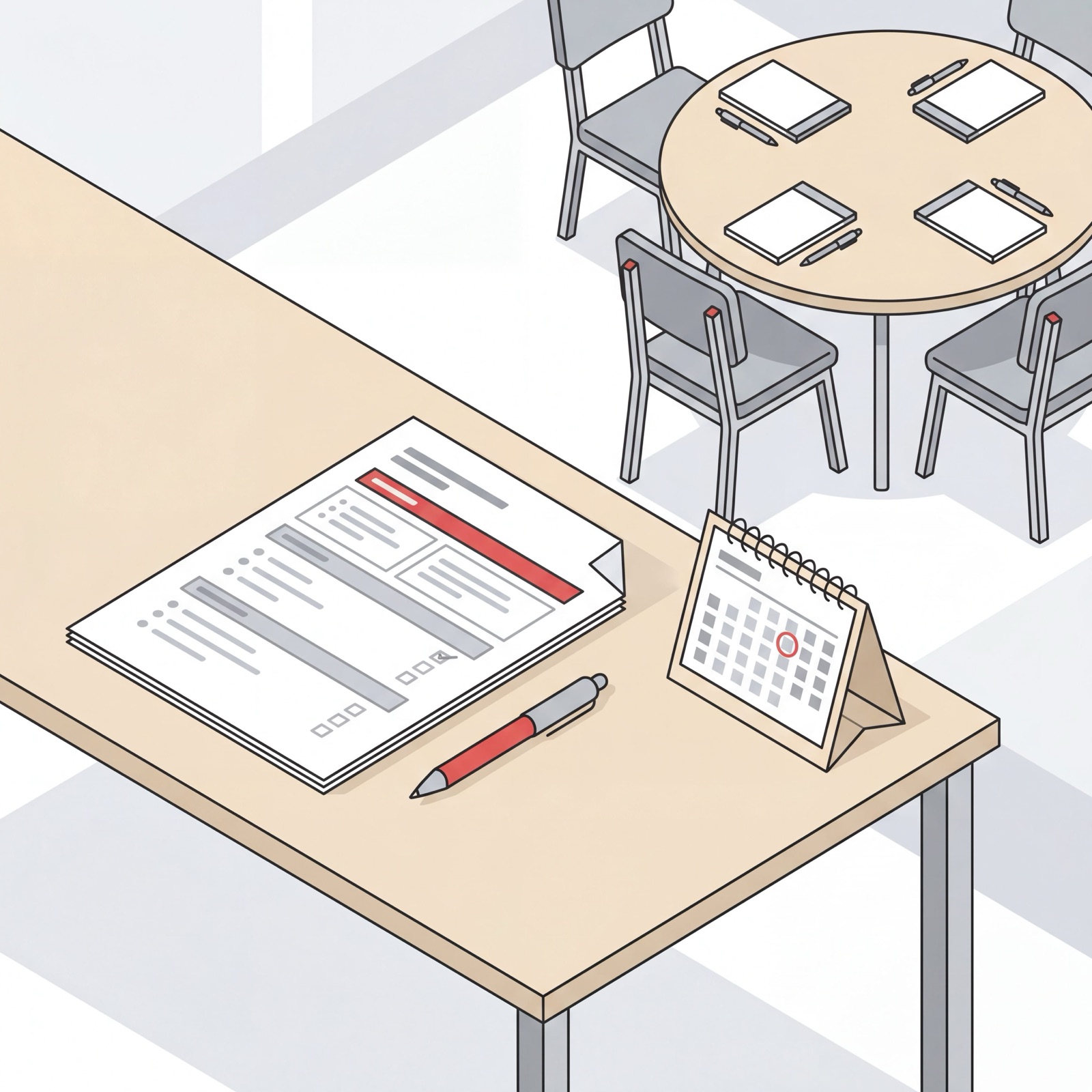
A good meeting agenda template is the difference between a 30-minute meeting that ends with clear next steps and a 60-minute one that ends with “let’s circle back.” I’m Nir Sabato, co-founder of Catch, and most of my week is spent talking to executives at mid-market companies who are drowning in meetings they didn’t need, that ran long, and that produced basically nothing. Almost every time, the cause turns out to be the same thing: no agenda at all, or an agenda that was really just a one-line calendar title.
So here are 12 free meeting agenda templates, one for just about every meeting you actually sit through. Grab the one you need, fill in the blanks, paste it into the calendar invite. No sign-up, no download wall. And a bit further down, I’ll show you how to stop writing these by hand at all.
What Makes a Good Meeting Agenda Template
A good meeting agenda template does three things: it names the goal, it assigns time to each topic, and it says who owns what. Pretty much everything else is optional.
Where most people go wrong is treating the agenda as a list of topics. A list of topics is a wish. An agenda is a plan. The fix is small, but it changes the whole thing:
- Start with the outcome. Write down the one decision or result the meeting has to produce. If you can’t name one, the meeting can probably just be an email.
- Time-box every item. Put minutes next to each line. “Q3 budget, 10 min” is what keeps the conversation moving instead of sprawling.
- Assign an owner. Each topic gets a name attached. That person preps it and runs that part of the meeting.
- Send it ahead of time. An agenda that lands two minutes before the call is basically decoration. Share it at least a day out so people actually show up ready.
Every template below follows that shape. Tweak the times and topics to fit your own meeting; they’re starting points, not rules.
How to Use These Meeting Agenda Templates
Pick the template that matches your meeting type, paste it into the calendar invite description or a shared doc, and swap out the bracketed placeholders. Keep the time-boxes visible while you’re in the meeting; they’re your guardrail. Afterward, the action items at the bottom become your follow-up list.
If it’s a meeting you run on repeat, save your filled-in version as the standard format. Consistency is half of why some meetings feel shorter than others, even when they run the exact same length.
1. General Meeting Agenda Template
The all-purpose meeting agenda template. When you’re not sure which one fits, just start here.
Meeting: [Name] Date / Time: [Date, start - end] Goal: [The one outcome this meeting must produce] Attendees: [Names]
- Welcome & context (5 min) - [Owner]
- Topic 1 (10 min) - [Owner]
- Topic 2 (10 min) - [Owner]
- Decisions & action items (5 min) - [Owner]
Action items: [Who / what / by when]
2. Team Meeting Agenda Template
A weekly team meeting agenda template that keeps a recurring sync from sprawling. The point is alignment, not having everyone read their to-do list out loud. For more recurring-team formats, our team meeting agenda template goes deeper.
Meeting: Weekly Team Sync Goal: Align on priorities and unblock the week
- Wins since last week (5 min) - Whole team
- Priorities for this week (10 min) - Manager
- Blockers & help needed (10 min) - Whole team
- Metrics check (5 min) - [Owner]
- Action items & owners (5 min) - Manager
Action items: [Who / what / by when]
3. One-on-One Meeting Agenda Template
A 1:1 is the employee’s meeting, not the manager’s. This one-on-one meeting agenda template leaves most of the time for them, which is the whole idea. If you manage several reports, our dedicated one-on-one meeting agenda templates cover weekly, growth, skip-level, and new-hire variations.
Meeting: 1:1 - [Manager] & [Report] Goal: Support, unblock, and grow
- How are you doing? (5 min) - Report
- Their topics & updates (10 min) - Report
- Blockers & support needed (5 min) - Report
- Manager feedback & priorities (5 min) - Manager
- Career & growth (5 min) - Both
Action items: [Who / what / by when]
4. Board Meeting Agenda Template
A board meeting agenda template is more formal and more time-sensitive. Directors’ time is expensive, and the record actually matters here. Send the deck ahead so the meeting is for discussion, not reading. For startup, nonprofit, and mid-market variations, our board meeting agenda template breaks each one down.
Meeting: Board Meeting - [Quarter / Date] Goal: Review performance, approve decisions on record
- Call to order & approve prior minutes (5 min) - Chair
- CEO update (10 min) - CEO
- Financial review (15 min) - CFO
- Key decisions & votes (15 min) - Chair
- Strategic discussion (10 min) - Board
- Closed session (5 min) - Board
Action items: [Who / what / by when]
5. Staff Meeting Agenda Template
A staff meeting agenda template for the broader team or department. More people in the room means structure matters more, not less.
Meeting: Staff Meeting Goal: Share updates and align the department
- Company / department news (10 min) - Leader
- Team updates (15 min) - Team leads
- Spotlight or recognition (5 min) - Leader
- Open floor & questions (10 min) - Whole team
- Next steps (5 min) - Leader
Action items: [Who / what / by when]
6. Executive Meeting Agenda Template
An executive meeting agenda template is built for decisions, not updates. Pre-reads go out in advance, and the room itself is reserved for the calls only leadership can actually make.
Meeting: Leadership Team Meeting Goal: Make the decisions that move the business
- Metrics & dashboard (10 min) - [Owner]
- Top priority decision (15 min) - [Owner]
- Cross-functional blockers (10 min) - Each lead
- Strategic topic of the week (15 min) - [Owner]
- Commitments & owners (5 min) - Chair
Action items: [Who / what / by when]
7. Project Kickoff Meeting Agenda Template
A project kickoff meeting agenda template gets everyone on the same page about scope, roles, and timeline before any work starts. This is where Catch slots in naturally alongside the tools you already run the project in. It pulls briefs from Asana and Notion rather than trying to replace them.
Meeting: [Project] Kickoff Goal: Align on scope, roles, and timeline
- Project background & why now (5 min) - Sponsor
- Scope & deliverables (10 min) - Project lead
- Roles & responsibilities (10 min) - Project lead
- Timeline & milestones (10 min) - Project lead
- Risks & open questions (10 min) - Whole team
- Next steps (5 min) - Project lead
Action items: [Who / what / by when]
8. Daily Stand-Up Meeting Agenda Template
A stand-up should be fast. Fifteen minutes, on your feet, no rabbit holes. This daily stand-up meeting agenda template keeps it that way.
Meeting: Daily Stand-Up Goal: Sync, surface blockers, keep moving
For each person (about 2 min each):
- What I finished yesterday
- What I’m working on today
- What’s blocking me
Parking lot: [Topics to take offline after stand-up]
9. Client Meeting Agenda Template
A client meeting agenda template quietly signals that you respect their time and showed up prepared. Share it before the call so they can add their own topics too.
Meeting: [Client] Check-In Goal: Update the client and agree on next steps
- Quick intros / catch-up (5 min) - Both
- Progress since last meeting (10 min) - Account lead
- Client questions & feedback (15 min) - Client
- Next steps & timeline (5 min) - Account lead
- Schedule next meeting (5 min) - Account lead
Action items: [Who / what / by when]
10. All-Hands Meeting Agenda Template
An all-hands meeting agenda template for the whole company. Keep it tight, make it matter, and leave real room for questions instead of tacking them on at the end.
Meeting: Company All-Hands Goal: Align everyone on direction and progress
- Mission & where we’re headed (5 min) - CEO
- Business & metrics update (10 min) - Leadership
- Team or product highlights (10 min) - [Owners]
- Recognition & shout-outs (5 min) - Leadership
- Live Q&A (15 min) - Whole company
Action items: [Who / what / by when]
11. Brainstorming Meeting Agenda Template
A brainstorming meeting agenda template that makes space for ideas without losing the plot halfway through. Diverge first, converge second.
Meeting: [Topic] Brainstorm Goal: Generate and narrow ideas on [topic]
- Frame the problem (5 min) - Facilitator
- Silent idea generation (10 min) - Everyone
- Share & build on ideas (15 min) - Everyone
- Group & prioritize (10 min) - Facilitator
- Pick next steps (5 min) - Facilitator
Action items: [Who / what / by when]
12. Retrospective Meeting Agenda Template
A retrospective meeting agenda template helps a team look back honestly and actually improve. Keep it blameless; the goal is the next sprint, not relitigating the last one.
Meeting: [Sprint / Project] Retro Goal: Learn from the last cycle and commit to changes
- Set the tone - blameless (5 min) - Facilitator
- What went well (10 min) - Whole team
- What didn’t (10 min) - Whole team
- What we’ll change (15 min) - Whole team
- Commit to 2 - 3 actions (5 min) - Facilitator
Action items: [Who / what / by when]
A Template Is Only Half the Job
A great agenda doesn’t run the meeting for you. You still have to keep time, pull the conversation back when it drifts, and capture the action items before everyone scatters to their next call. If you want the full playbook for that side of it, the right meeting management software can handle agendas, notes, and follow-up in one place.
And before any of that, someone has to find the time, send the invite, chase the reschedules, and circulate the agenda. It’s the admin around the meeting that quietly eats more of your week than the meetings themselves.
Let Catch Handle the Admin Around the Meeting
This is the part I care most about, because it’s the part executives shouldn’t be doing at all. Catch is your admin savior, an AI Executive Assistant that takes the scheduling and coordination work off your plate so you can focus on the meeting itself.
You tell Catch what you need, in plain language, from Slack, email, text, iMessage, or a phone call, and it just acts:
- Finds the time and sends the invite. Catch checks your calendar and everyone else’s availability, picks a slot, and sends the invite. No back-and-forth.
- Resolves conflicts proactively. When two meetings collide, Catch reaches out to reschedule one of them instead of just flagging the clash and leaving it to you.
- Attaches your agenda. Tell Catch the format you want and it drops the agenda into the invite ahead of time, pulling context from connected tools like Asana and Notion.
- Makes the calls. Need a room booked or a vendor confirmed? Catch places a real outbound phone call to handle it. Voice calls are included, with no per-call fees.
Catch is always upfront that it’s AI. It identifies itself as your AI assistant in emails and on calls, and it only acts when it’s sure. On security, Catch is SOC 2 Type II and CASA Tier 2, with all data hosted in the US. Pricing is a flat $99/month, voice calls included, with no per-call fees.
If you want the bigger picture on how all this works, our guide to the AI scheduling assistant covers the whole category. The templates above will tighten up your next meeting. Catch makes sure you never have to think about the admin around it again.
Frequently Asked Questions
What is a meeting agenda template?
A meeting agenda template is a reusable structure that lists a meeting’s goal, topics, time allotments, and owners. You fill in the specifics for each meeting and share it ahead of time, so everyone shows up prepared and the meeting stays on track.
How do I write a meeting agenda?
Start with the one outcome the meeting has to produce, then list the topics you need to get there. Put a time-box and an owner next to each topic, end with action items, and send the agenda at least a day before the meeting.
Are these meeting agenda templates really free?
Yes. Every template on this page is free to copy and paste, with no sign-up or download required. Drop the one you need into your calendar invite or a shared doc and swap out the bracketed placeholders.
What’s the difference between a team meeting agenda and a one-on-one agenda?
A team meeting agenda focuses on group alignment, priorities, and shared blockers. A one-on-one agenda is built around a single report’s updates, growth, and support needs, with most of the time reserved for them rather than the manager.
How long should a meeting agenda be?
Short enough to fit on one screen. Most agendas land at three to six items with time-boxes. If you have more than that, the meeting is probably trying to do too much and should be split or trimmed.
When should I send the meeting agenda?
At least 24 hours before the meeting, so attendees can prepare, add topics, or flag conflicts. An agenda that shows up at the start of the meeting can’t really do its main job, which is helping people walk in ready.
What should every meeting agenda include?
At a minimum: the meeting goal, a list of topics with time-boxes, an owner for each topic, and a space for action items. Adding the date, attendees, and any pre-reads makes it even more useful.
Can an AI assistant create and send meeting agendas for me?
Yes. Catch, an AI Executive Assistant, can attach an agenda to your invites, schedule the meeting, and pull relevant context from connected tools like Asana and Notion. It always identifies itself as AI and only acts when it has enough to go on.
Does Catch replace my project management tools?
No. Catch integrates with tools like Asana and Notion rather than replacing them. It can pull briefs and update tasks, but your projects still live where they already do; Catch just handles the admin and scheduling around them.
How much does Catch cost?
Catch is a flat $99/month, with outbound phone calls included and no per-call fees. There are no usage tiers or hidden charges.
Keep reading
Related posts
Best AI Calendar Apps for 2026: 8 Tools Ranked
A ranked, hands-on look at the best AI calendar apps for 2026 — from full admin coverage to focus-time blocking — so you can pick the calendar tool that actually fits how you work.
Best Scheduling Apps for 2026 (Ranked for Executives)
A ranked guide to the best scheduling apps for 2026, judged for executive use — from full admin coverage to booking links and group polls — so you pick the right fit.
Free AI Schedule Generator: How to Build a Smart Calendar in Minutes (2026)
A free AI schedule generator turns your tasks and meetings into a working calendar in minutes. Here is how to build a smart calendar fast, the best free tools to try, and what separates a one-time generator from an assistant that keeps your schedule alive.